▦
Building Records Scattered?
Organize buildings, flat details, floor information and configurable flat categories.
Centralize building records, flat allocations, occupant information, family details, vehicles, visitor activity, maintenance, electricity and management reporting in one organized system.
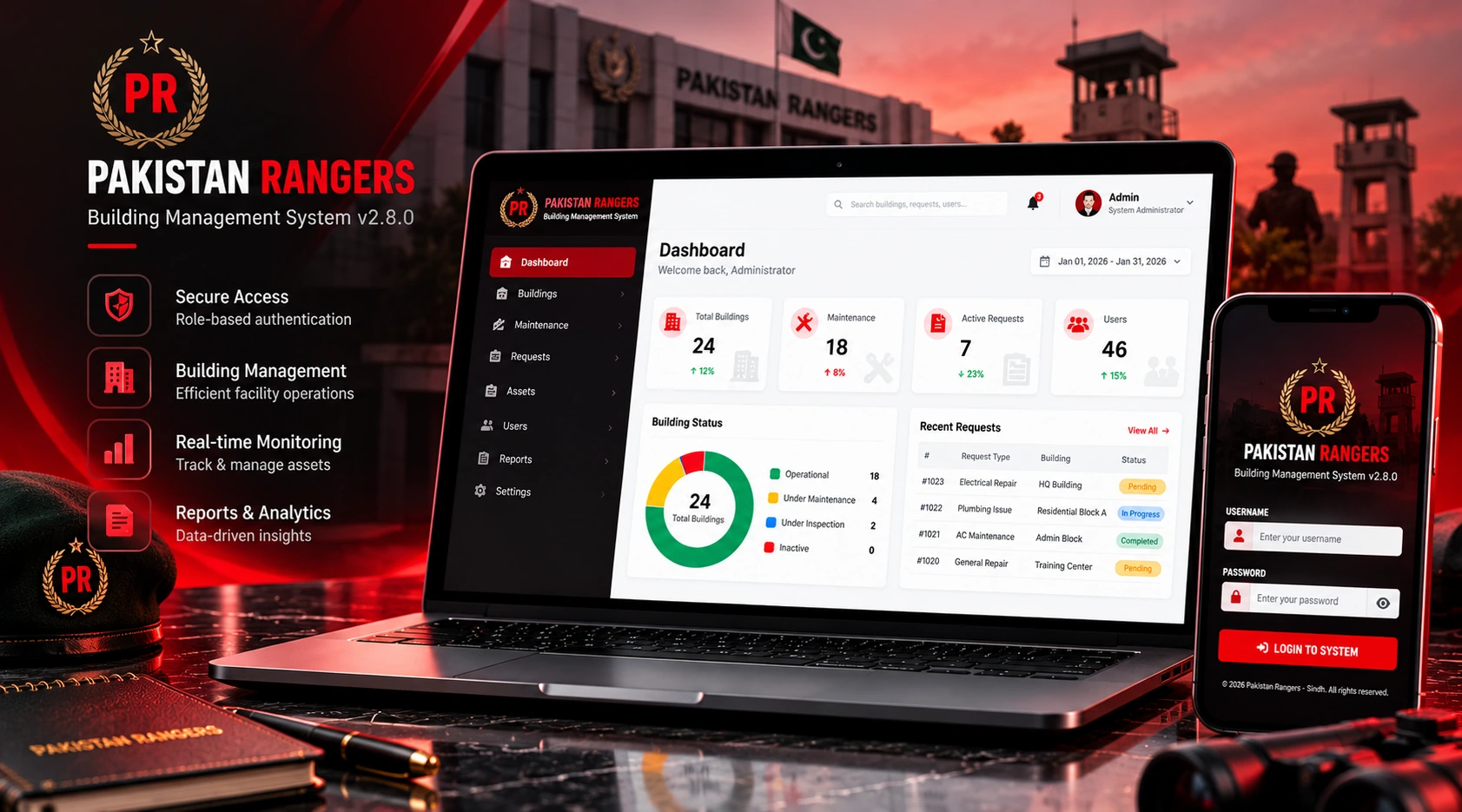
Bring property administration, occupant registration, residential history and day-to-day operations into a centralized workspace.
Organize buildings, flat details, floor information and configurable flat categories.
Maintain occupant profiles and separate occupancy records for current and previous allotments.
Review property, occupant, maintenance and operational information using structured reports.
Explore the property, occupant, operations, billing, reporting and administrative modules of Rangers Management System.
A practical workflow for organizing properties, registering occupants, assigning flats and managing records.
Create building records, register flats and configure flat types.
Add occupant profiles, family members and vehicle records.
Manage current flat allotments, previous occupants and occupancy history.
Review visitors, maintenance, electricity, expenses and reports.
Showcase the actual Rangers Management dashboard, property records, occupant details and operational modules.
Add your actual Rangers Management dashboard screenshot to replace this illustrative interface.
A system structured around residential administration, occupant allotments and building operations.
It is a centralized property administration system for managing buildings, flats, occupants, families, vehicles, visitor records and operations.
Yes. Occupant profiles and family member records are included in the system.
Occupancy History maintains flat assignments and previous occupant records. Current-allotment consistency should be validated during deployment testing.
Meter number searching and floor-based filtering are part of the updated Flat Management scope.
Yes. Visitor records and the Inside Now dashboard workflow are included. Live occupancy counts should be verified against actual check-in and check-out records.
Yes. Maintenance records, electricity billing and area expense management are represented in the software modules.
Reporting and CSV export capabilities are available within the project scope. Confirm the supported export formats and filters in the deployed version.
User administration and role-based permissions are part of the system. Access settings should be verified for each operational role.
Contact Re Create Technologies through the Talk to Our Team WhatsApp button.